Version Checking
Configure version checking settings
Version checking is a feature that notifies you on the dashboard whenever a new version is available, or if you are using a version that is outdated.
Version checking is enabled by default. Zipline queries the GitHub API for release and tag information, then caches the result for six hours. Your instance needs outbound HTTPS access to api.github.com for these checks.
Administrators can still view version information on the admin dashboard even when version checking is disabled for regular users.
Disabling Version Checking
If you want to disable version checking, you can do so by going to the Server Settings page and scrolling to "Features". At the bottom of this card, you will see a toggle for "Version Checking".
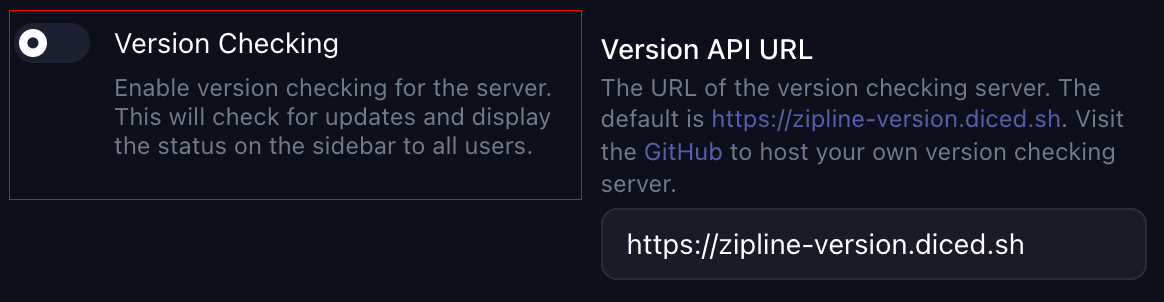
You can also disable it with an environment variable:
FEATURES_VERSION_CHECKING=falseGitHub API Rate Limits
Requests are unauthenticated by default. If GitHub somehow (Zipline will only make requests on every startup or every 6 hours) rate limits your instance, set ZIPLINE_GITHUB_TOKEN to a GitHub token that can read the public Zipline repository.