GuidesUploaders
Windows: ShareX
Use ShareX to upload files to Zipline on Windows
Zipline can generate a .sxcu (ShareX Custom Uploader) file for you to use with ShareX. With this you can easily upload files to your Zipline instance using ShareX.
Downloading
- Head to your settings page (click your user icon in the top right corner)
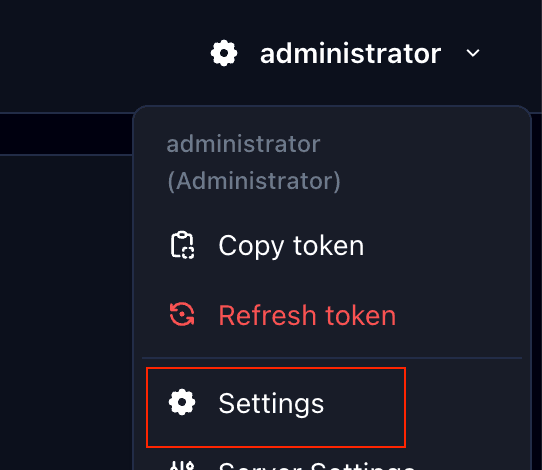
- Scroll down to the "Generate Uploaders" section and click "ShareX"

- Feel free to customize the options provided, then at the bottom you click "Download" to download the
.sxcufile.
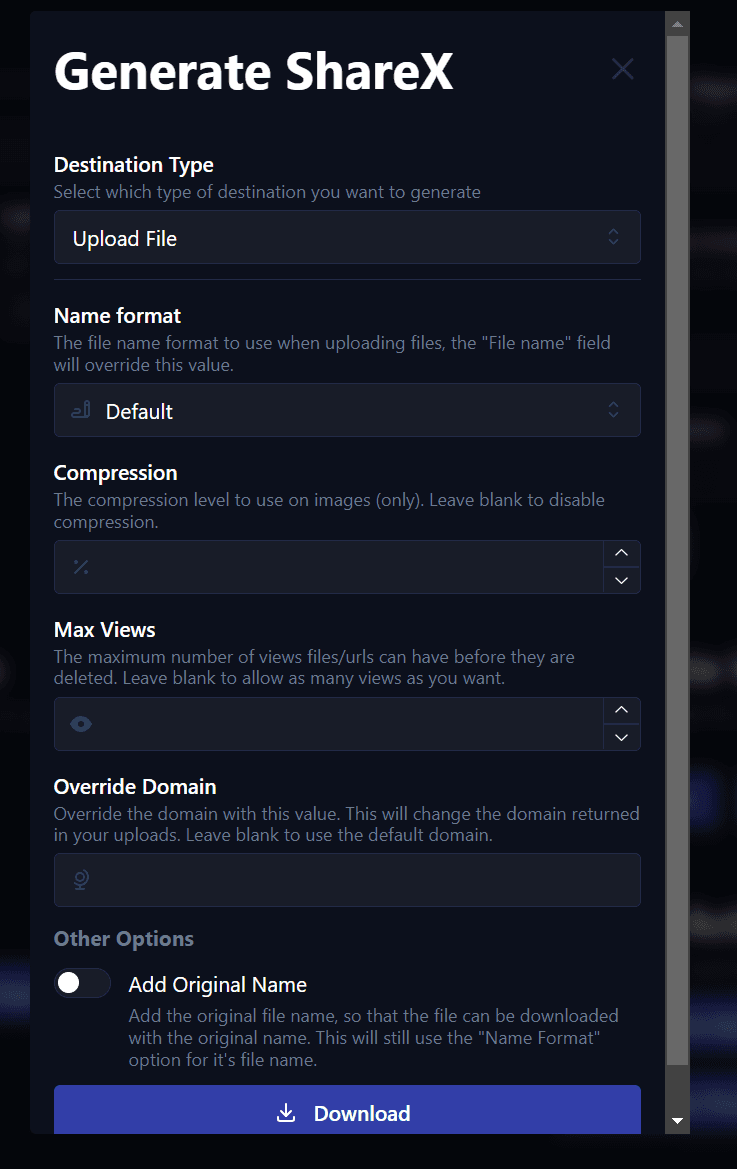
If you select "Shorten URL" instead of "Upload File" you can use the .sxcu file to be your custom URL
shortener instead of the file uploader within ShareX.
Importing
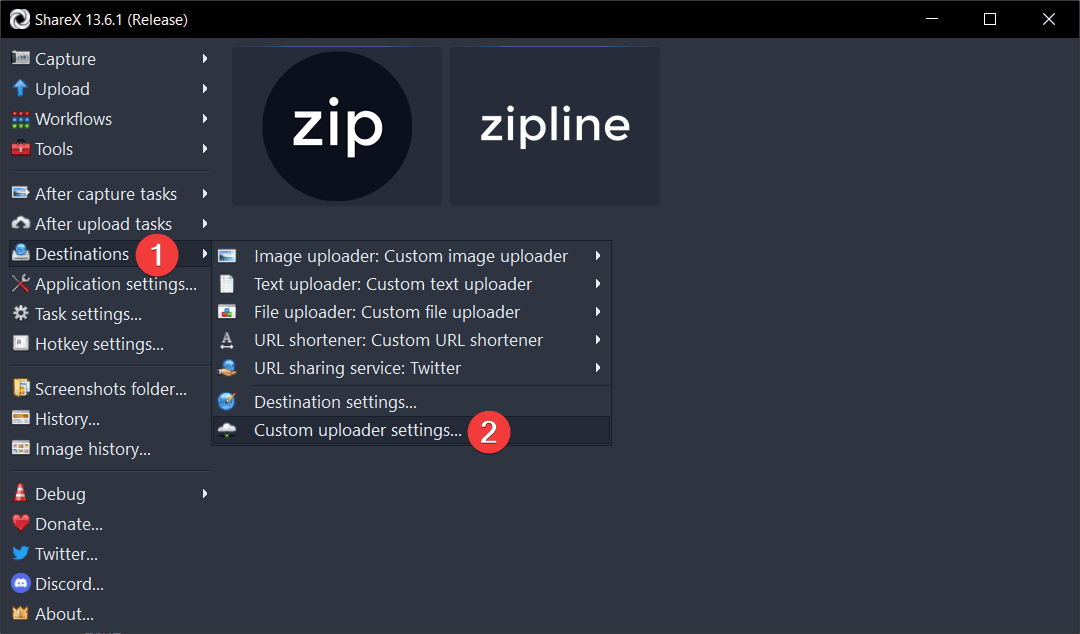
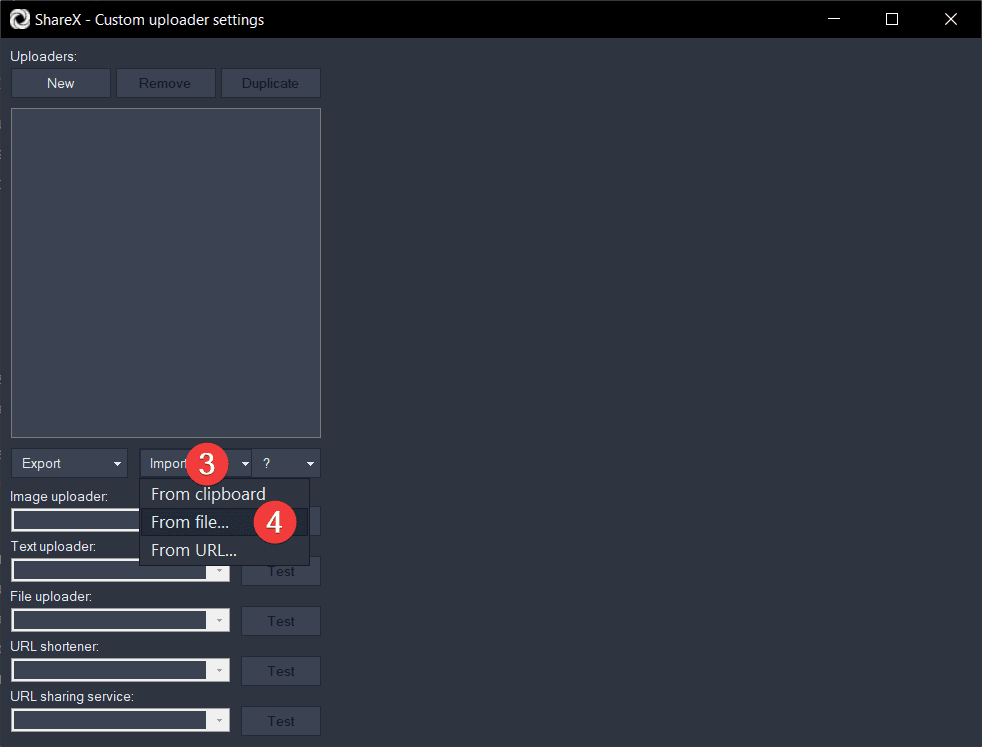
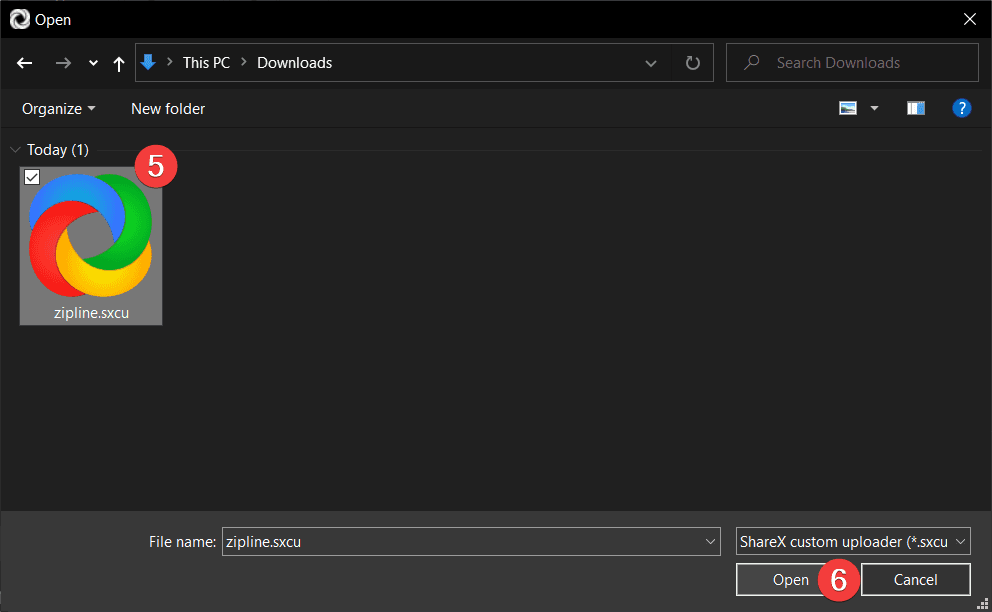
- Follow the steps below to import the
.sxcufile into ShareX.