GuidesUploaders
macOS: iTake
Use iTake to upload screenshots/recordings/files on macOS
Zipline can generate a .itup (iTake Custom Uploader) file for you to use with iTake. With this you can easily upload screenshots/recordings on MacOS to your Zipline instance using iTake.
Downloading
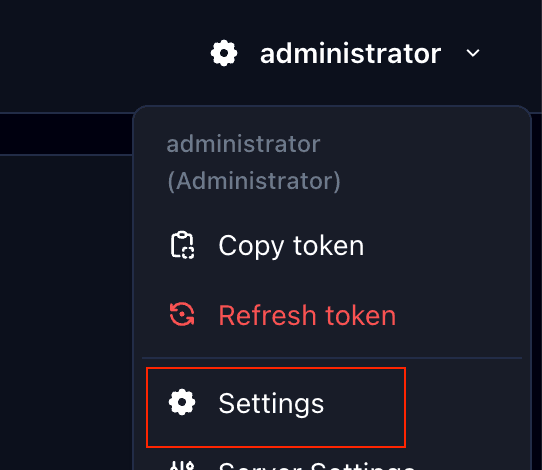
- Head to your settings page (click your user icon in the top right corner)
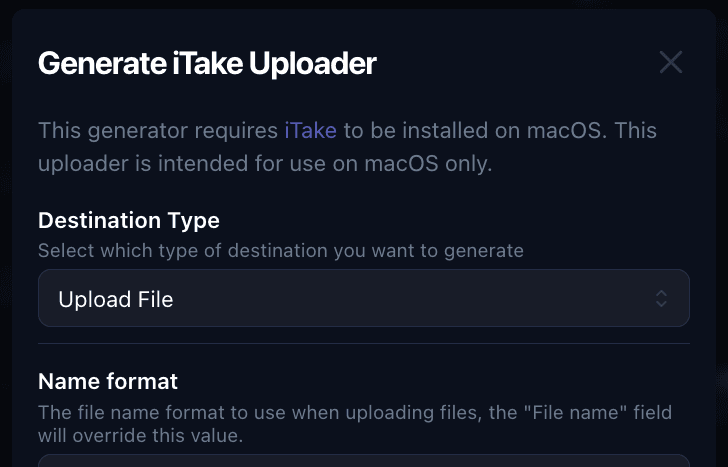
- Scroll down to the "Generate Uploaders" section and click "iTake"

- Feel free to customize the options provided, then at the bottom you click "Download" to download the
.itupfile.
Importing
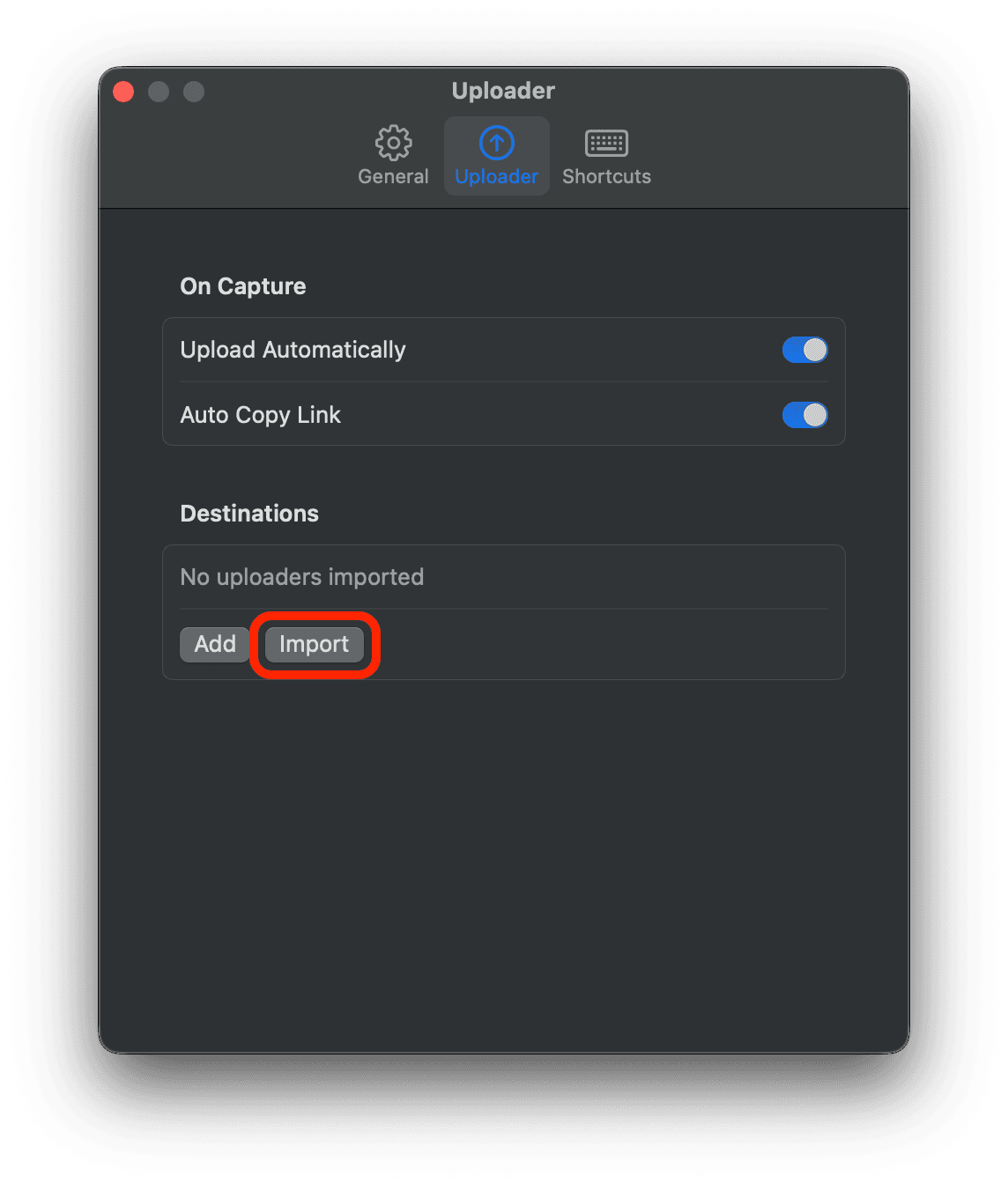
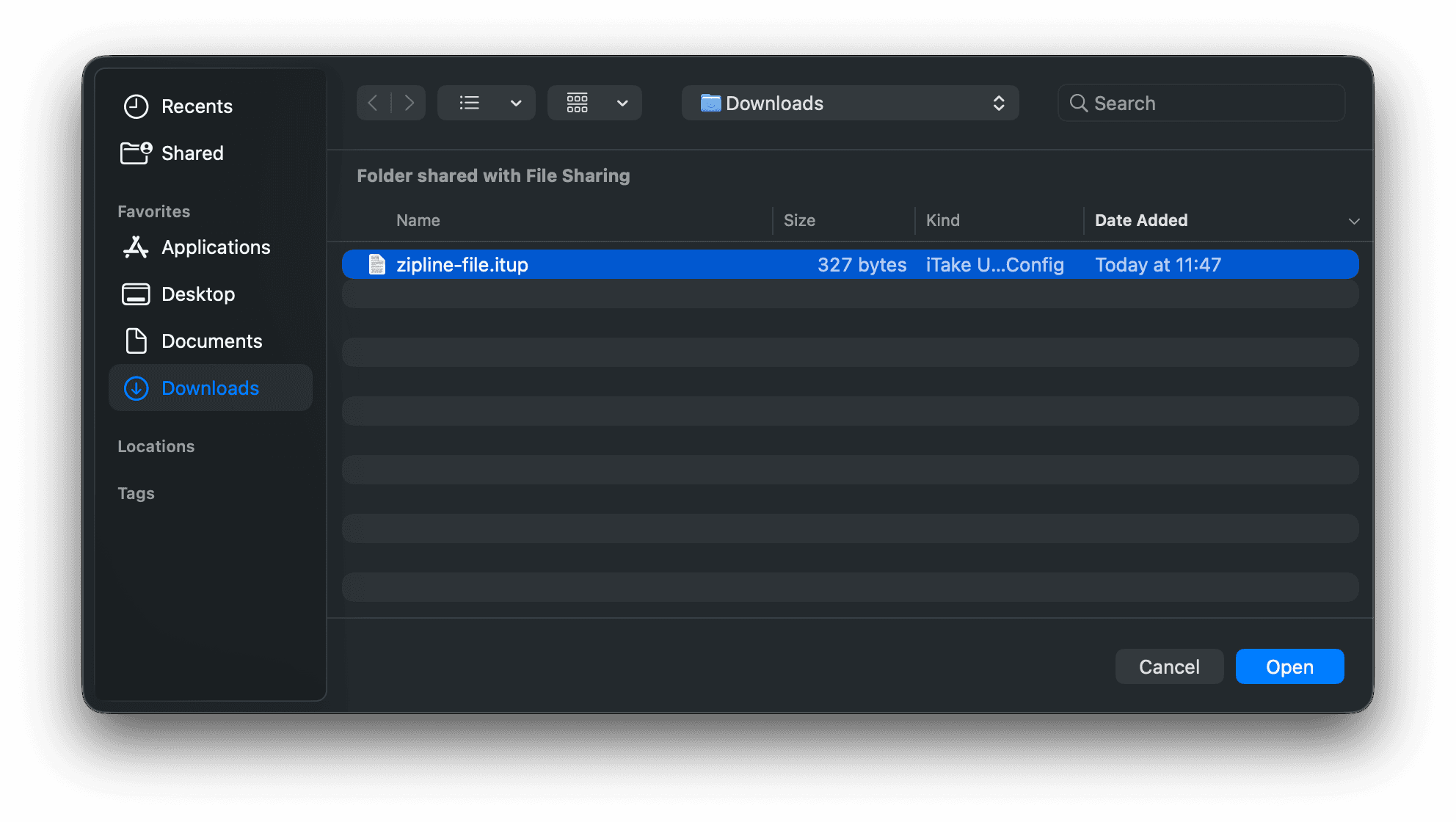
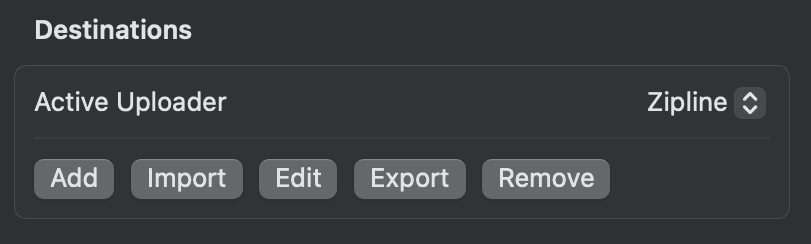
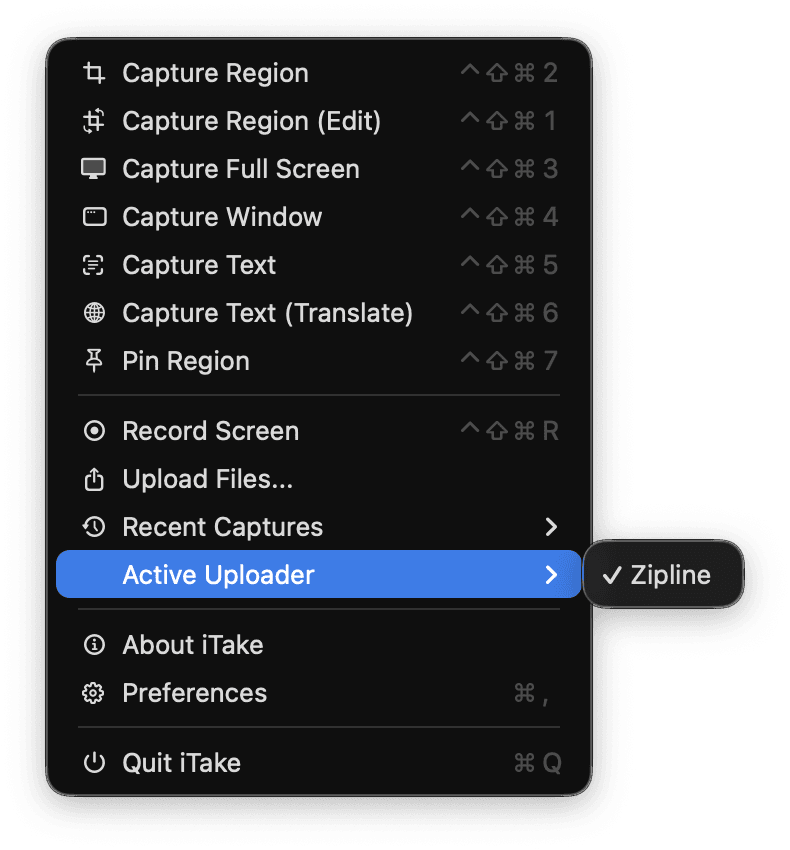
- Follow the steps below to import the
.itupfile into iTake.