GuidesUploaders
macOS: ishare
Use ishare to upload screenshots/recordings on macOS
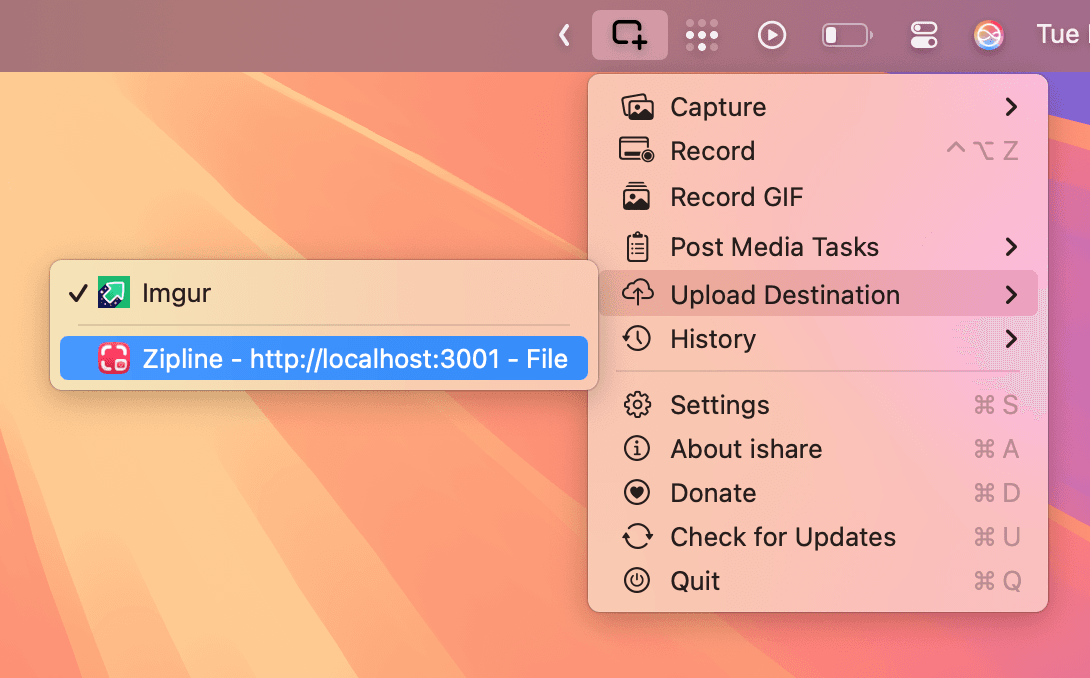
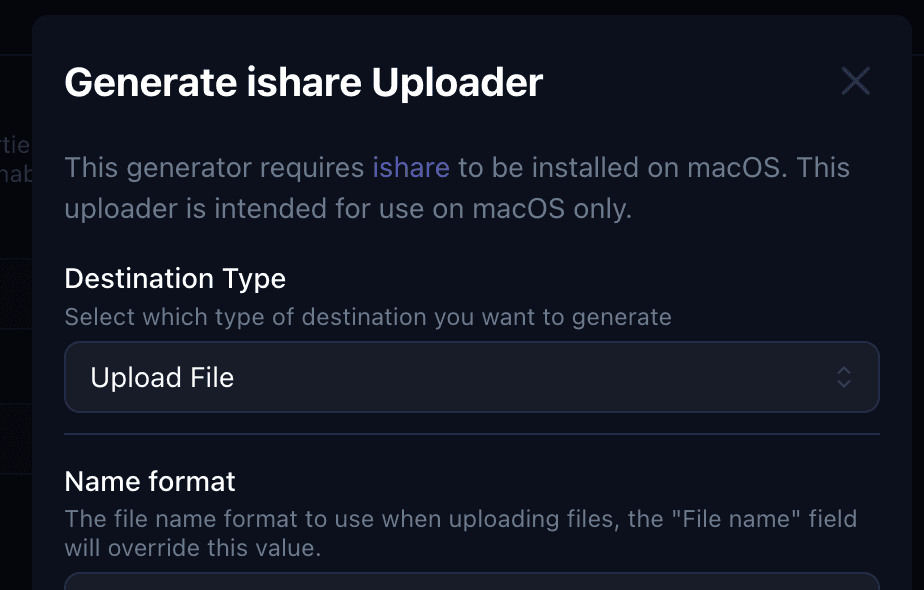
Zipline can generate a .iscu (iShare Custom Uploader) file for you to use with iShare. With this you can easily upload screenshots/recordings on MacOS to your Zipline instance using iShare.
Downloading
- Head to your settings page (click your user icon in the top right corner)
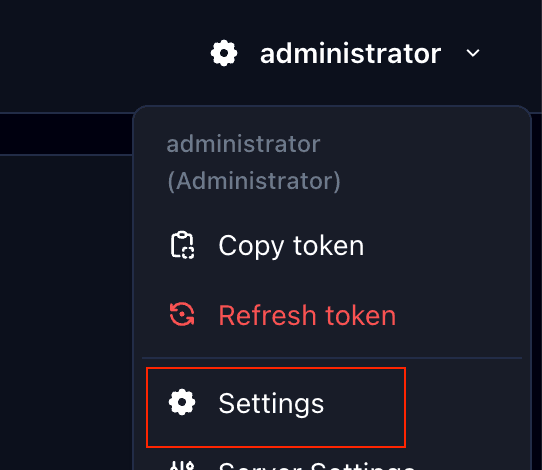
- Scroll down to the "Generate Uploaders" section and click "ishare"

- Feel free to customize the options provided, then at the bottom you click "Download" to download the
.iscufile.
Importing
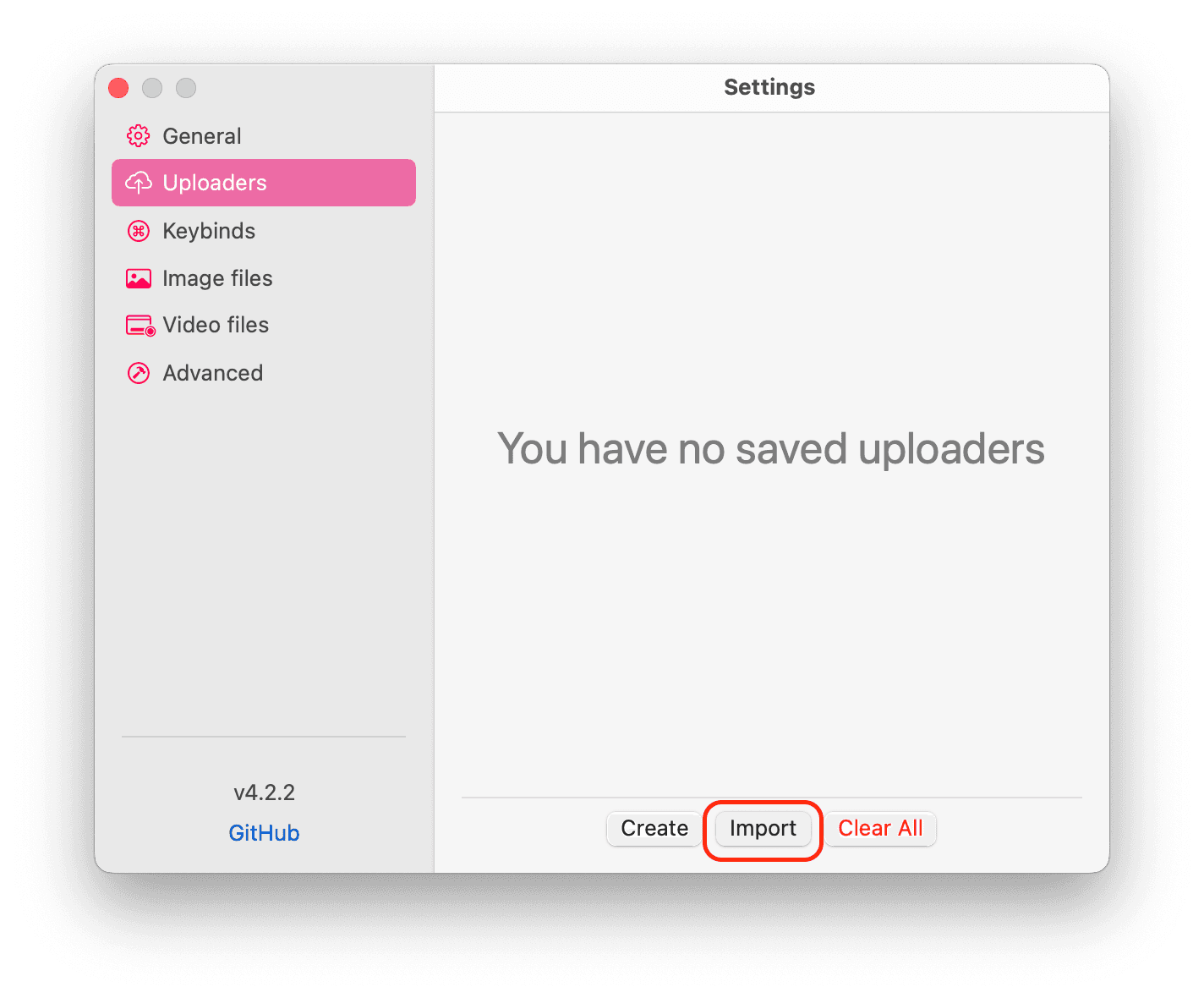
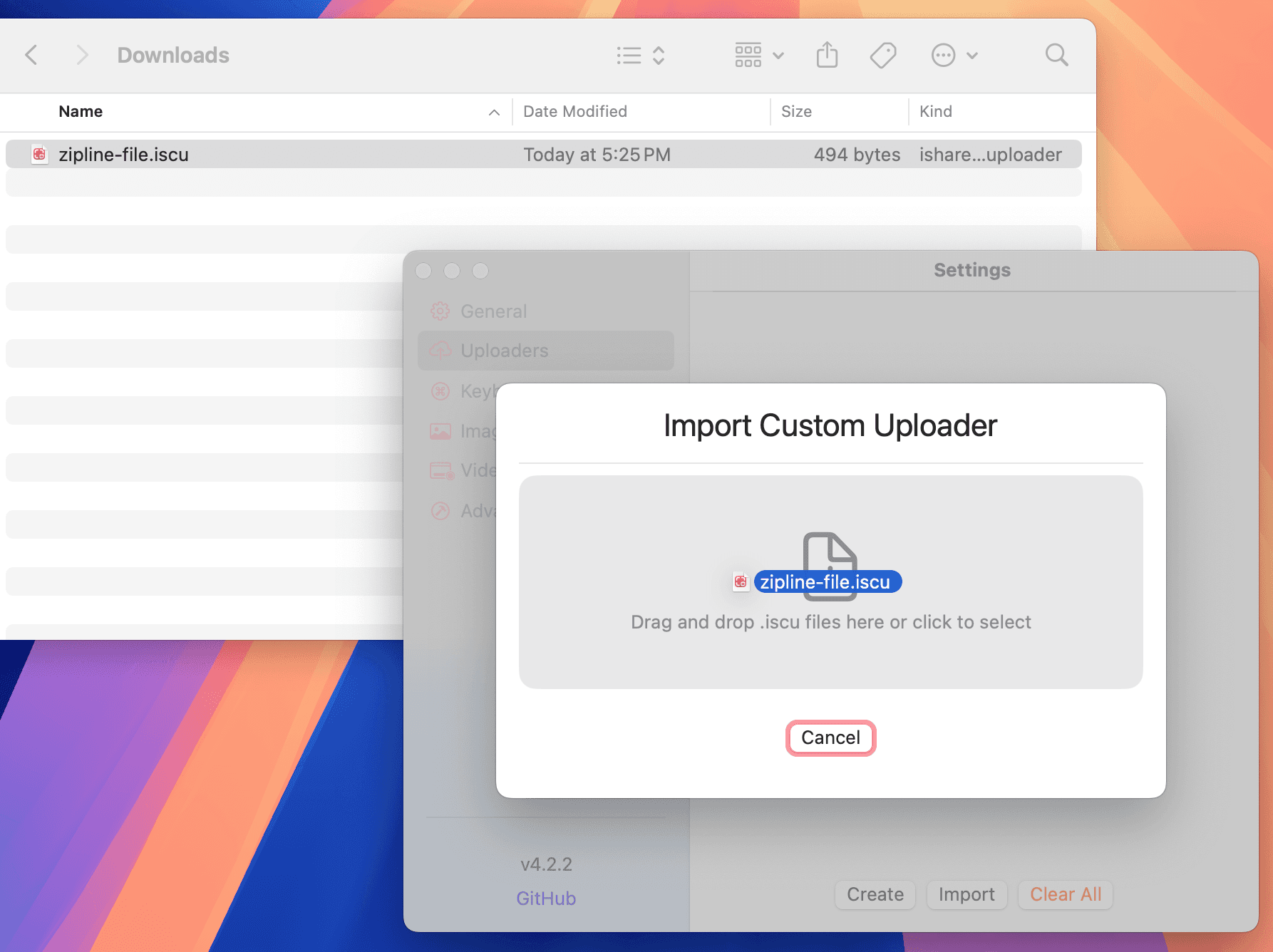
- Follow the steps below to import the
.iscufile into ishare.